Todo incluido5★Familiar
Disponibilidad limitada
desde
$3.290.000
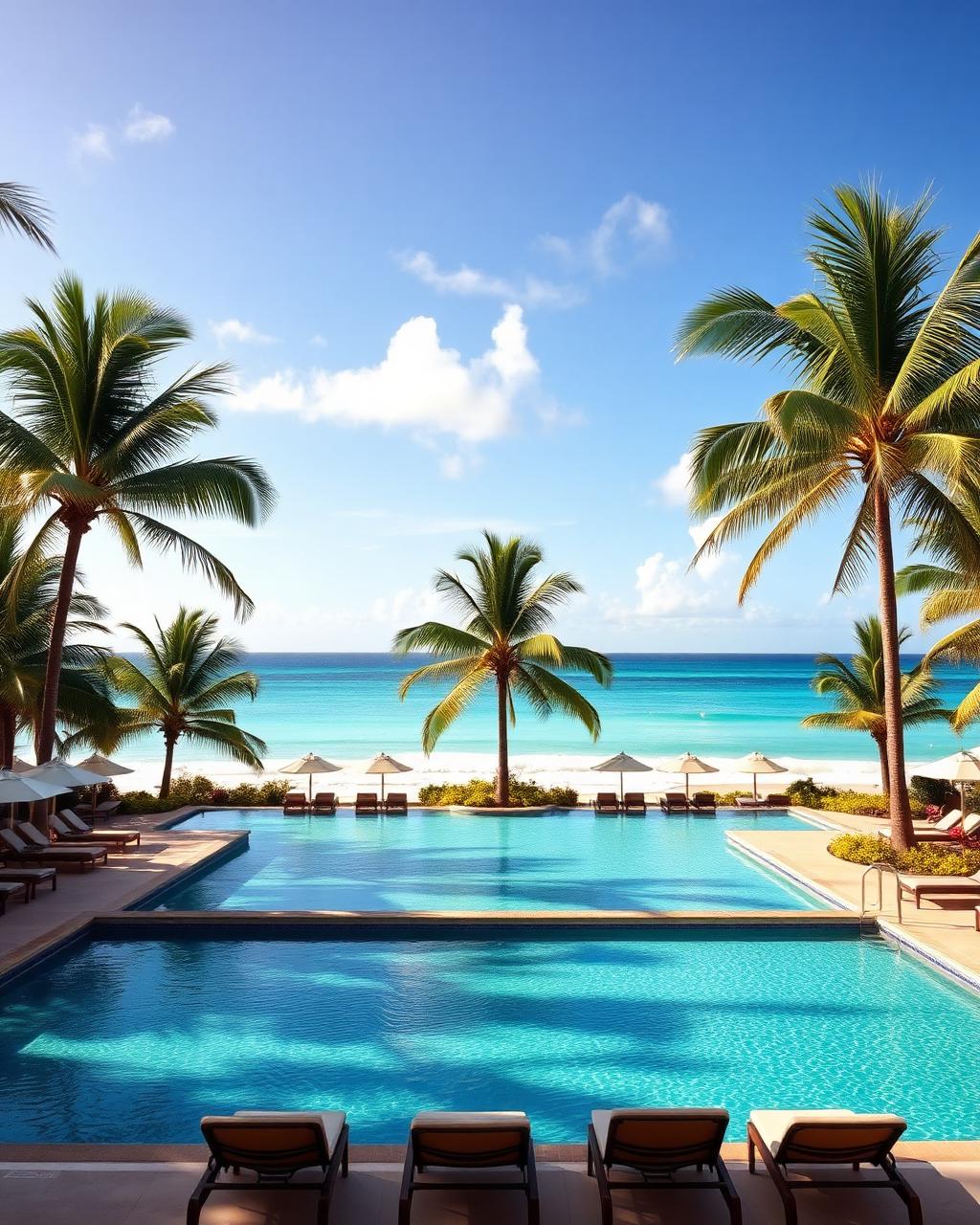
Punta Cana
RIU Bambú
5 noches 12 meses para viajar
- Buffet 24h
- Bebidas premium
- Piscinas
- Animación
- Acceso a playa privada
Quedan 6 cupos para esta fecha
Reserva desde $1.000.000Reservar

Más de 1.500 familias han viajado con Link King Travel a Punta Cana, Cancún, Panamá y todo el Caribe.
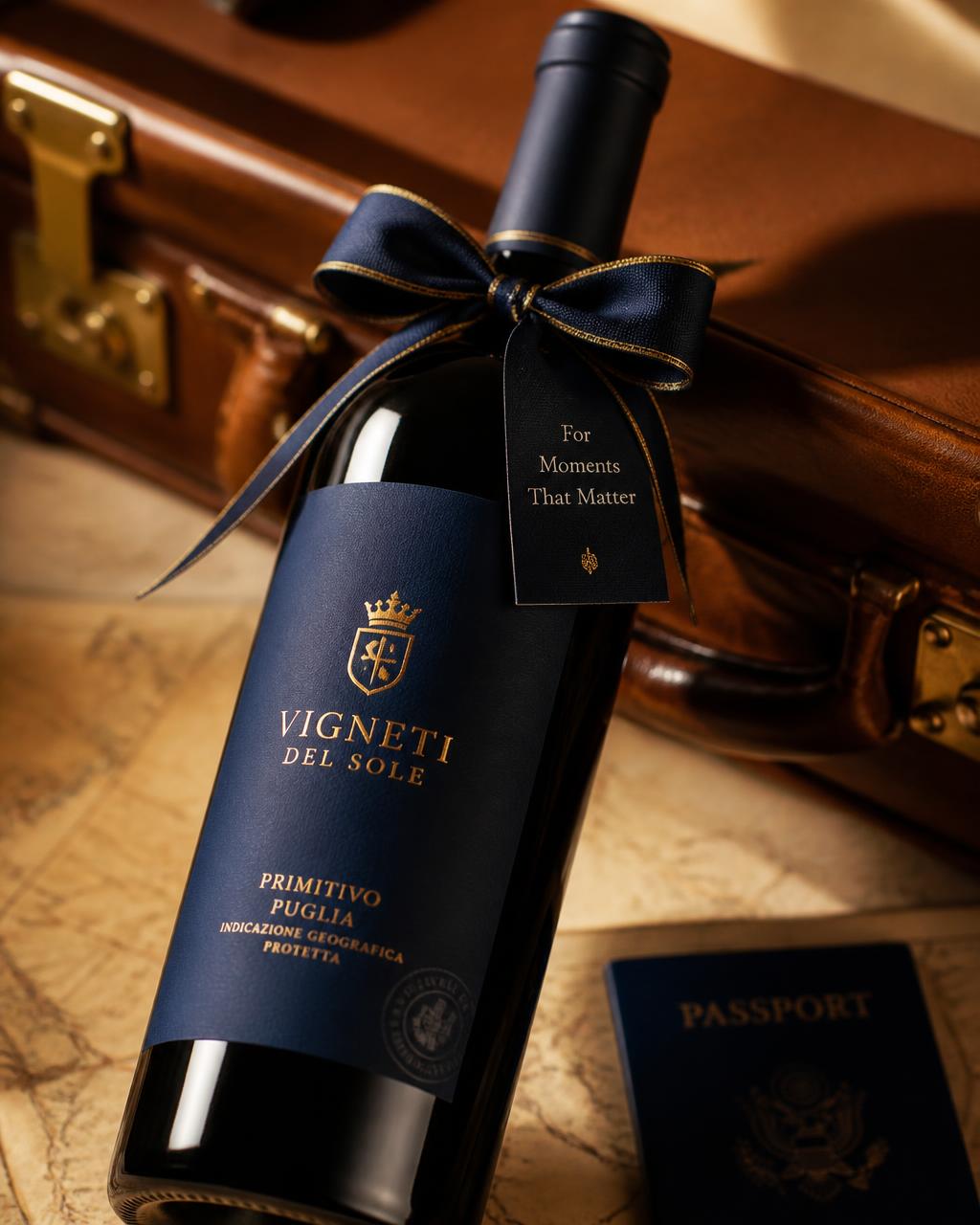
Visita nuestra oficina y recibe una botella de vino de regalo mientras planeamos juntos esa experiencia que tanto sueñas.
Desde la inspiración hasta tu primer mojito en el Caribe. Así de simple es viajar con Link King Travel.
Explora playas del Caribe, Europa, Punta Cana, Cancún, Riviera Maya y Panamá. Te ayudamos a elegir el destino perfecto para ti.

Visítanos en Bogotá, recibe asesoría humana 1 a 1 y reserva con la confianza de una agencia real, con RNT 167307 y respaldo total.
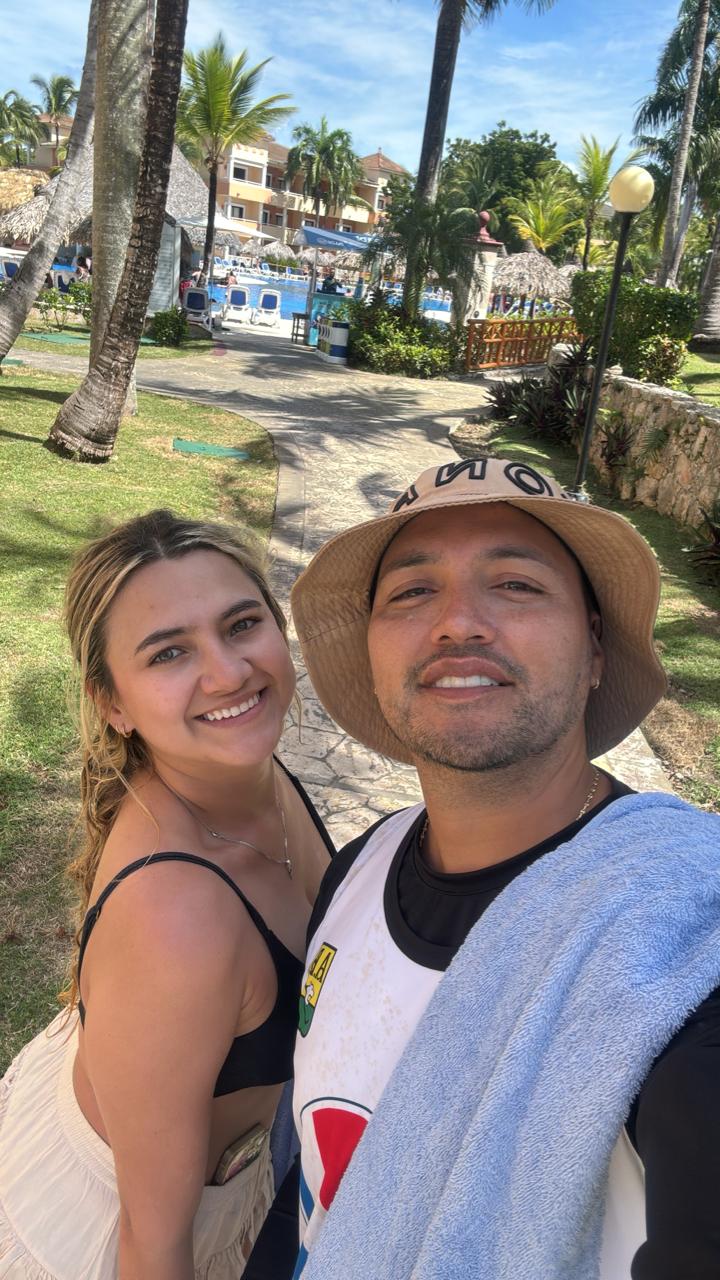
Solo te queda disfrutar. Hotel, traslados y asistencia listos. Te acompañamos antes, durante y después del viaje.
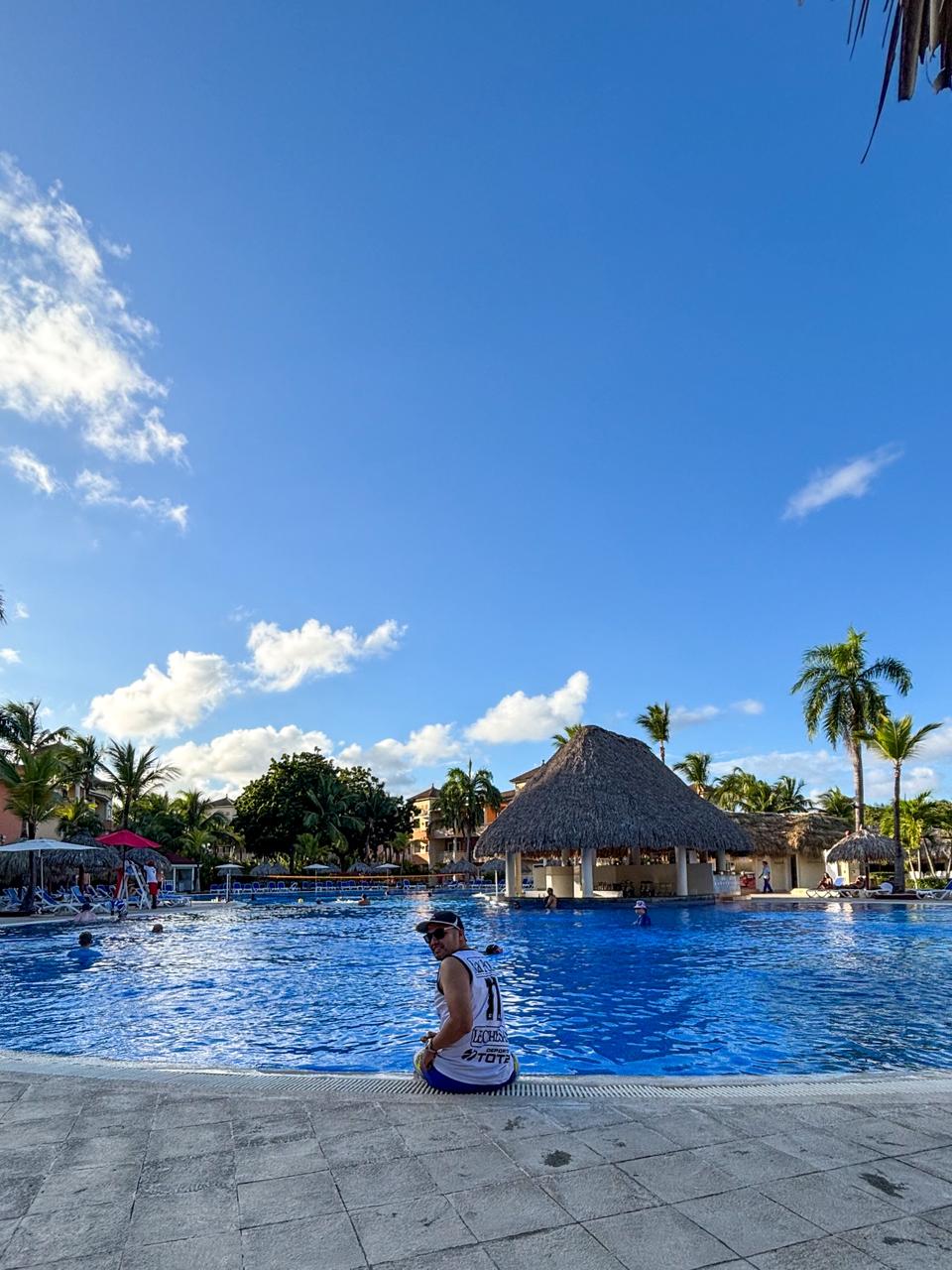

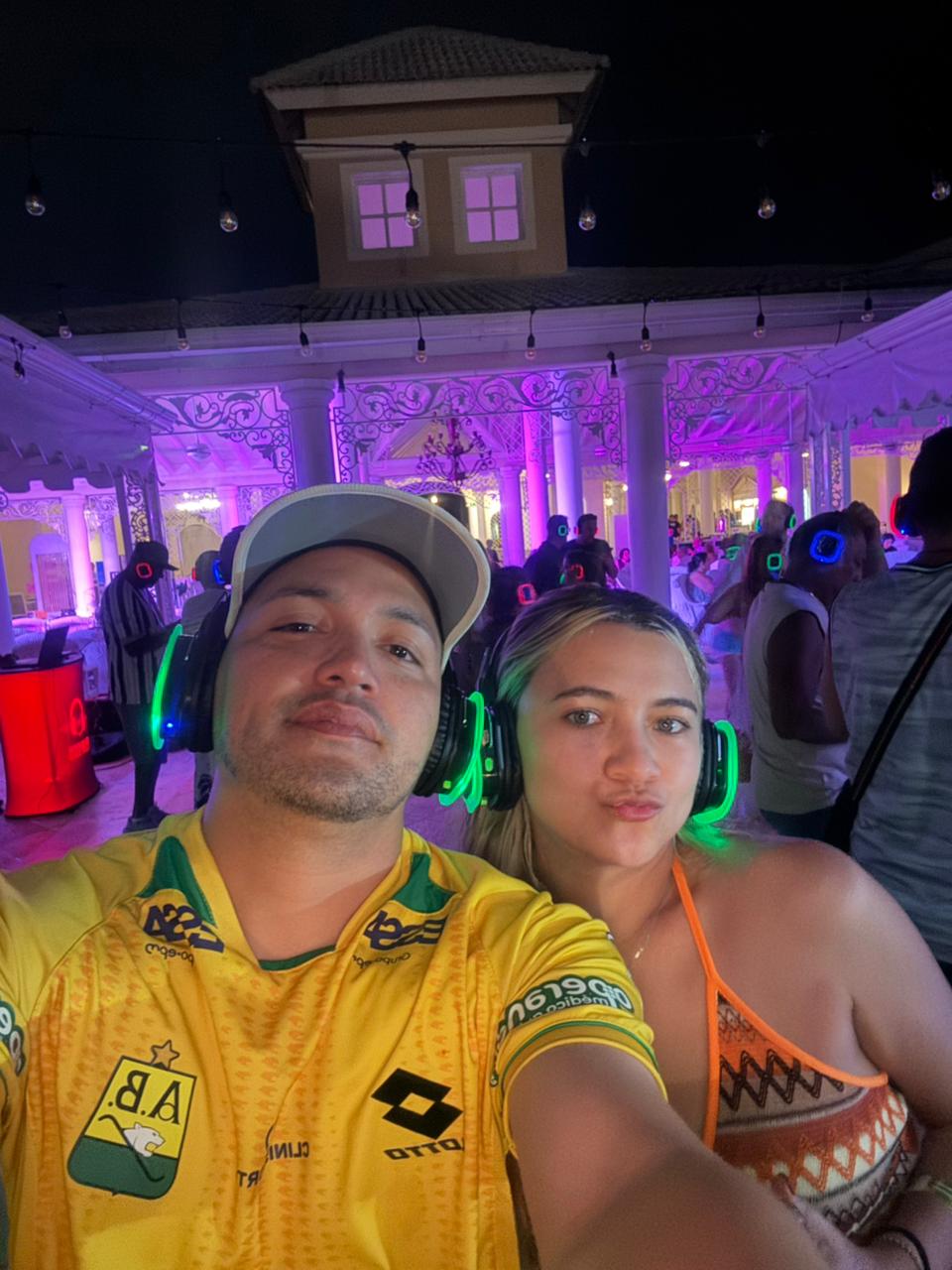
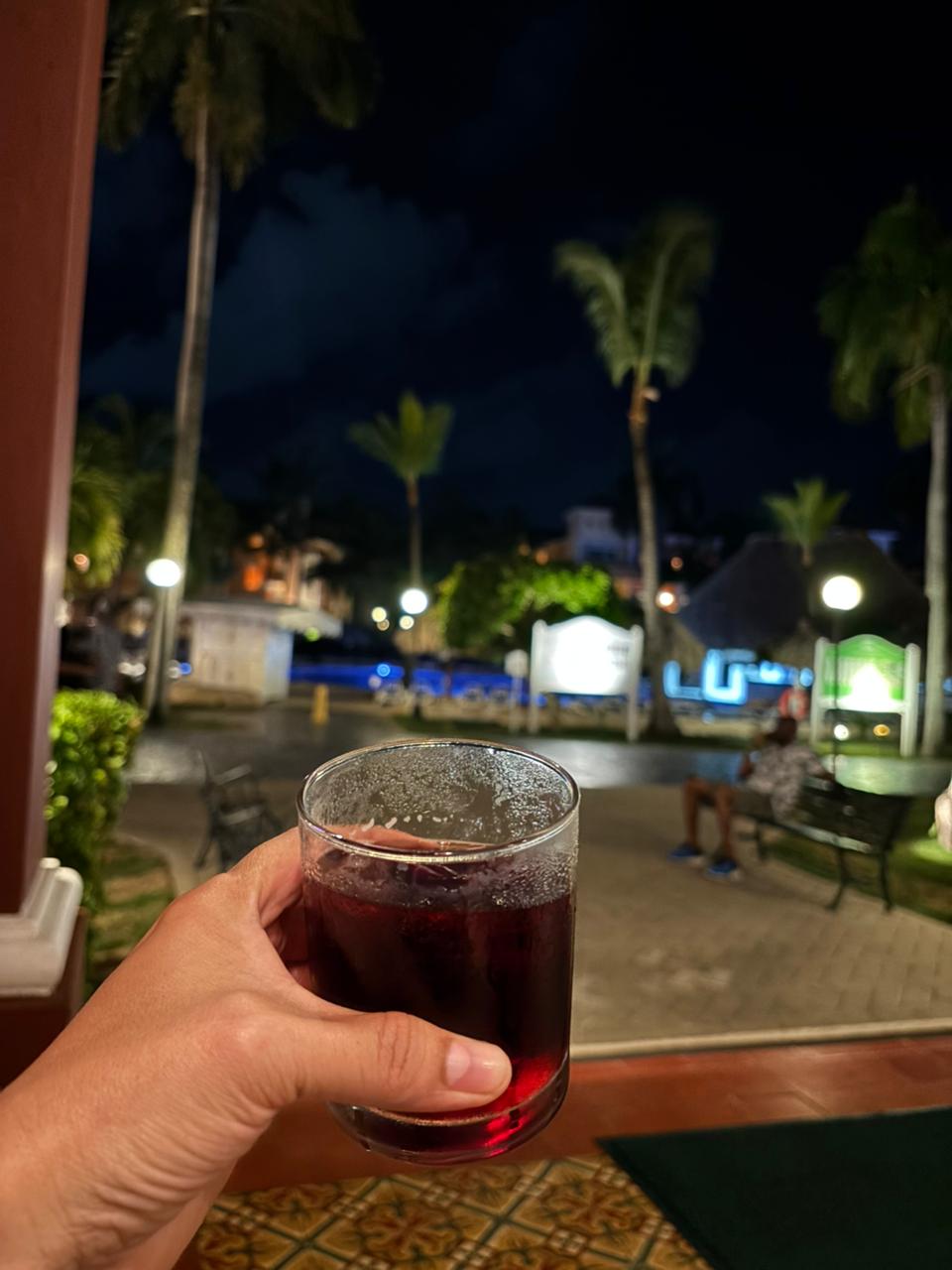
Recorre los destinos preferidos por las familias colombianas. Precios desde, todo incluido y financiación disponible.
El Caribe que siempre soñaste
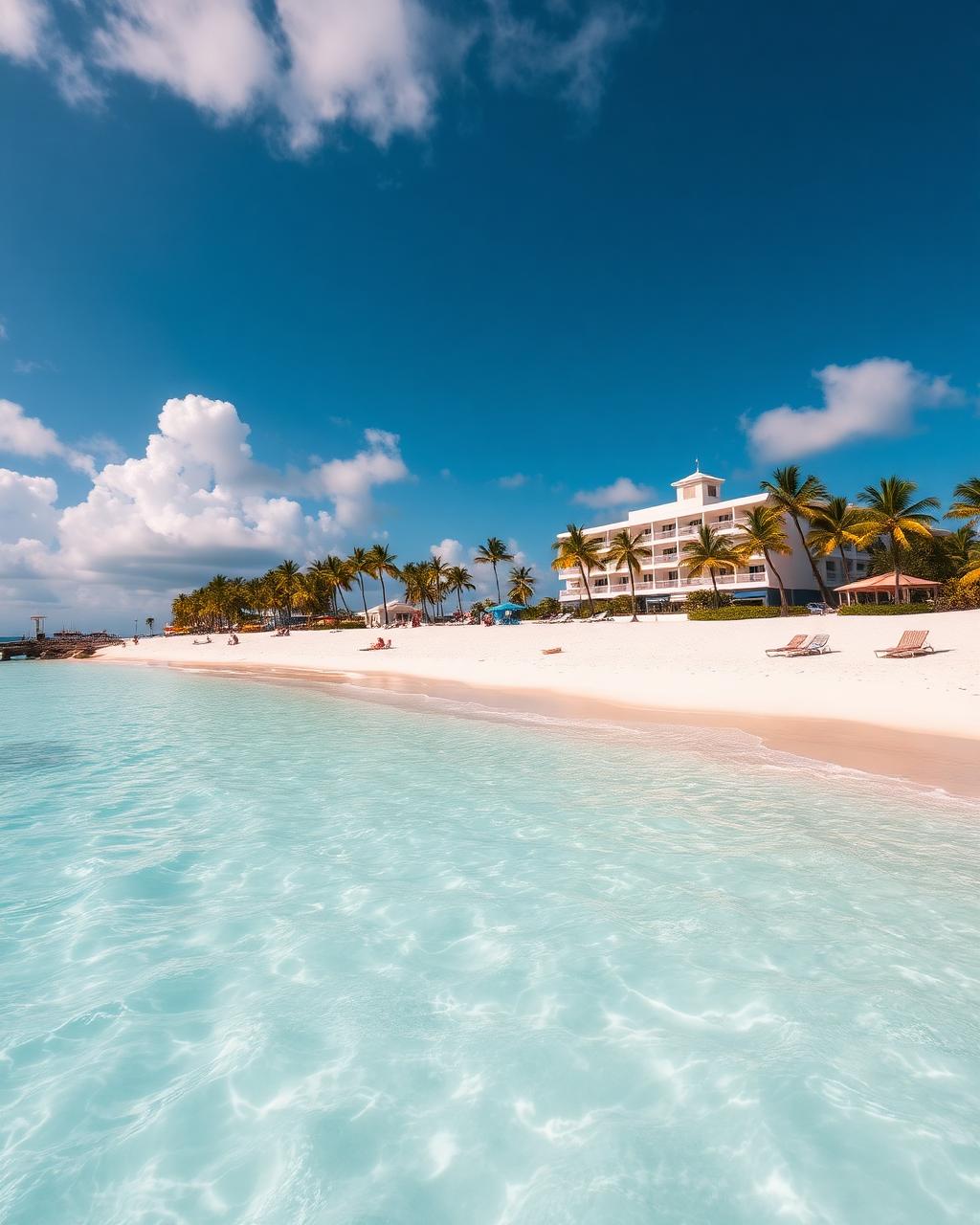
Caribe mexicano sin fronteras

Ciudad, playa y compras

El viaje en familia que jamás olvidarán

Más allá de Punta Cana

El plan económico del Caribe
Complementamos tu viaje con servicios diseñados para que vivas una experiencia cómoda, segura y sin preocupaciones.
Encuentra el vehículo ideal para recorrer tu destino con total libertad.
Servicio de transporte seguro entre aeropuertos, hoteles y otros destinos.
Viaja con respaldo y protección ante cualquier imprevisto.
Te acompañamos durante todo el proceso para solicitar tu visa.
Las mejores vacaciones comienzan con una buena asesoría. Agenda una videollamada por Zoom o visítanos en nuestra oficina de Bogotá para recibir recomendaciones personalizadas, resolver tus dudas y encontrar el viaje ideal según tu presupuesto, fechas y estilo de viaje. Nuestros asesores están listos para acompañarte antes, durante y después de tu experiencia.
Familias, parejas y amigos que confiaron en nosotros para sus vacaciones soñadas.
“Estábamos asustados de comprar online, pero fuimos a la oficina y todo cambió. El viaje fue perfecto, no queríamos regresar 😅”
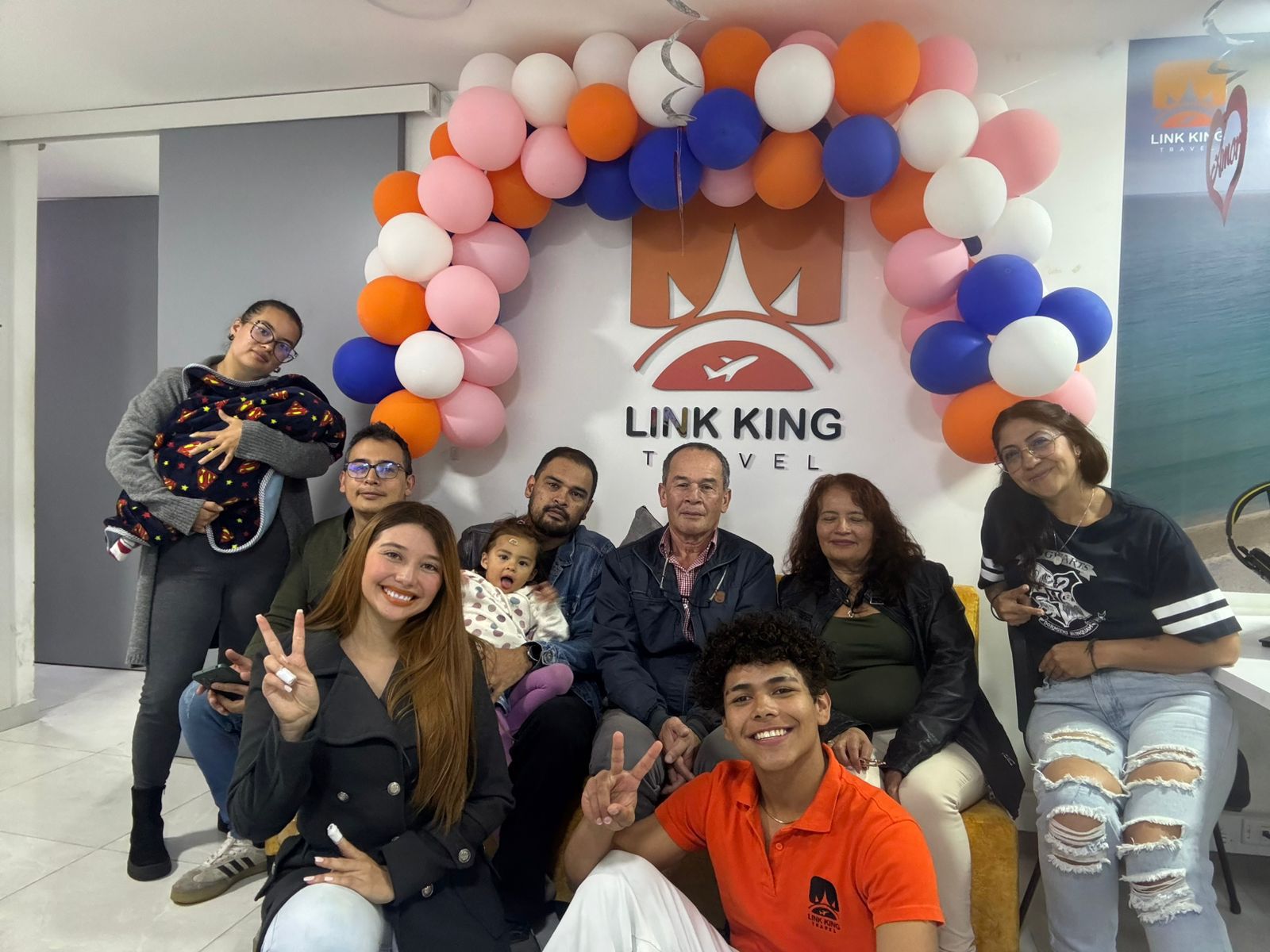
Conócenos en persona, recibe atención personalizada y un detalle de bienvenida cuando reservas tu viaje en oficina.
Hotel, traslados y asistencia. Reserva con $1.000.000 y elige fecha hasta 12 meses después.
Escoge la experiencia que más conecte contigo y separa tu cupo pagando solo el 30%.
 Cupos especiales
Madrid · Burdeos · Blois · París · Lucerna · Zúrich · Verona · Venecia · Roma
 Cupos especialesIdeal para parejas
Madrid · Burdeos · Blois · París
 Cupos especialesSalida todos los jueves
Madrid · Burdeos · Blois · París · Lucerna · Zúrich · Verona · Venecia · Roma
Separa tu cupo con el 30% y recibe asesoría personalizada para organizar el pago restante de tu viaje.
Trabajamos con las principales compañías del sector turístico para ofrecerte más opciones, mejores tarifas y mayor tranquilidad en cada viaje.

































Y seguimos ampliando nuestra red de aliados para ofrecerte las mejores experiencias de viaje.